Easio is a clean, easy-to-use home screen for anyone who wants a simpler phone — with large icons, one-tap access to the apps you use most, and a smart search that finds anything in seconds.
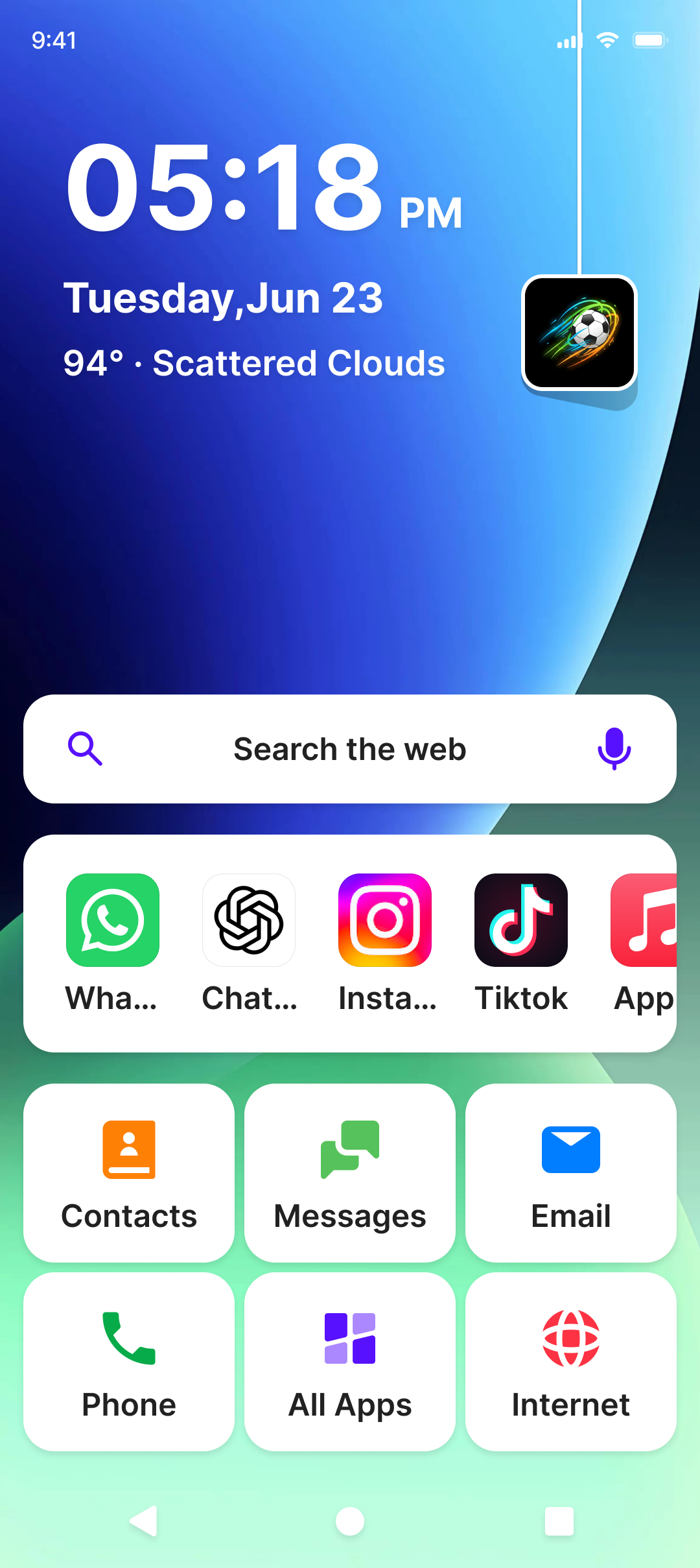
Easio replaces the clutter with a clean, friendly home screen built around three simple ideas.
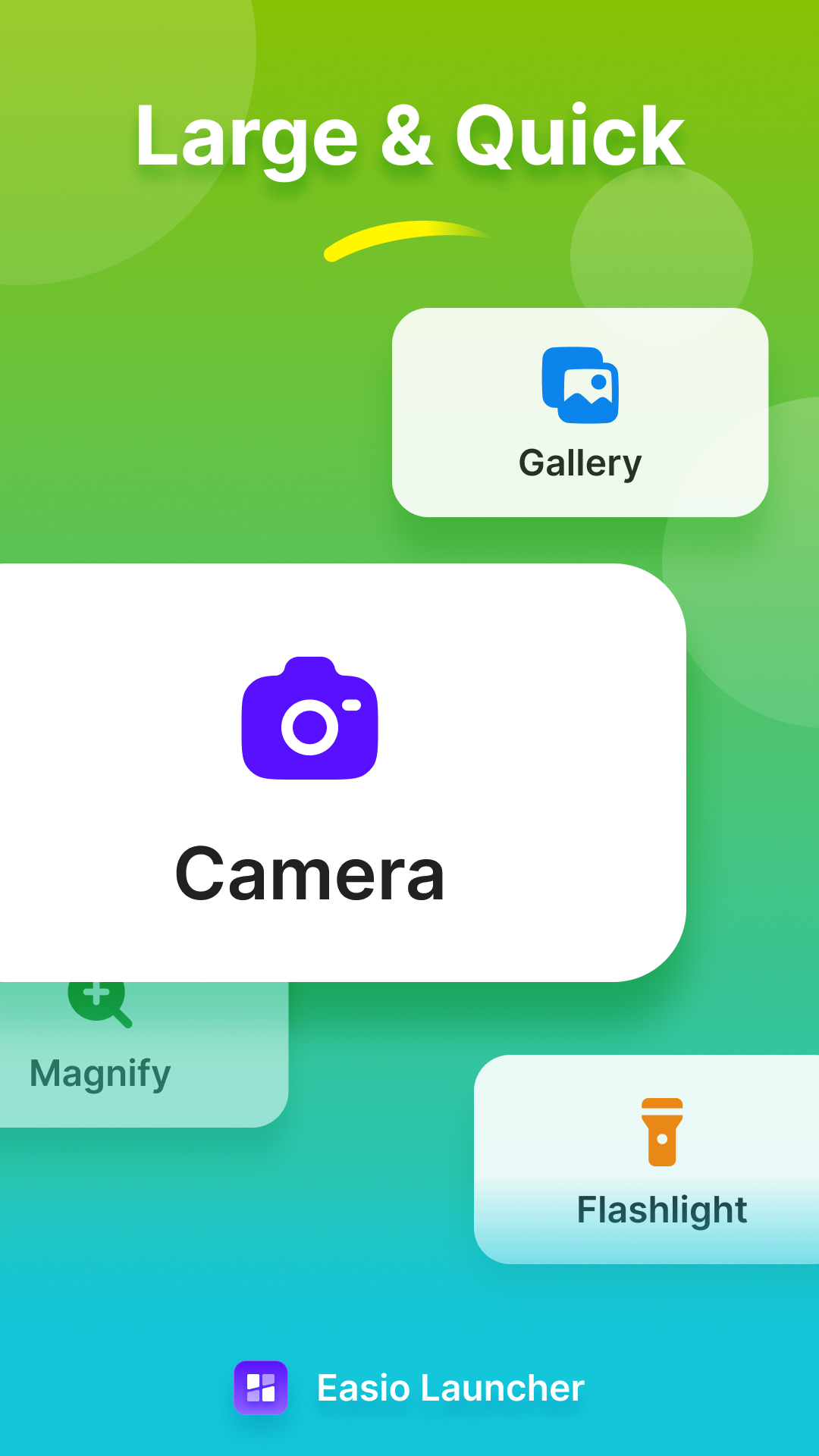
Everything is larger and easier to see. No more squinting or tapping the wrong app.
Phone, messages, camera, gallery, contacts and email — right on the home screen.
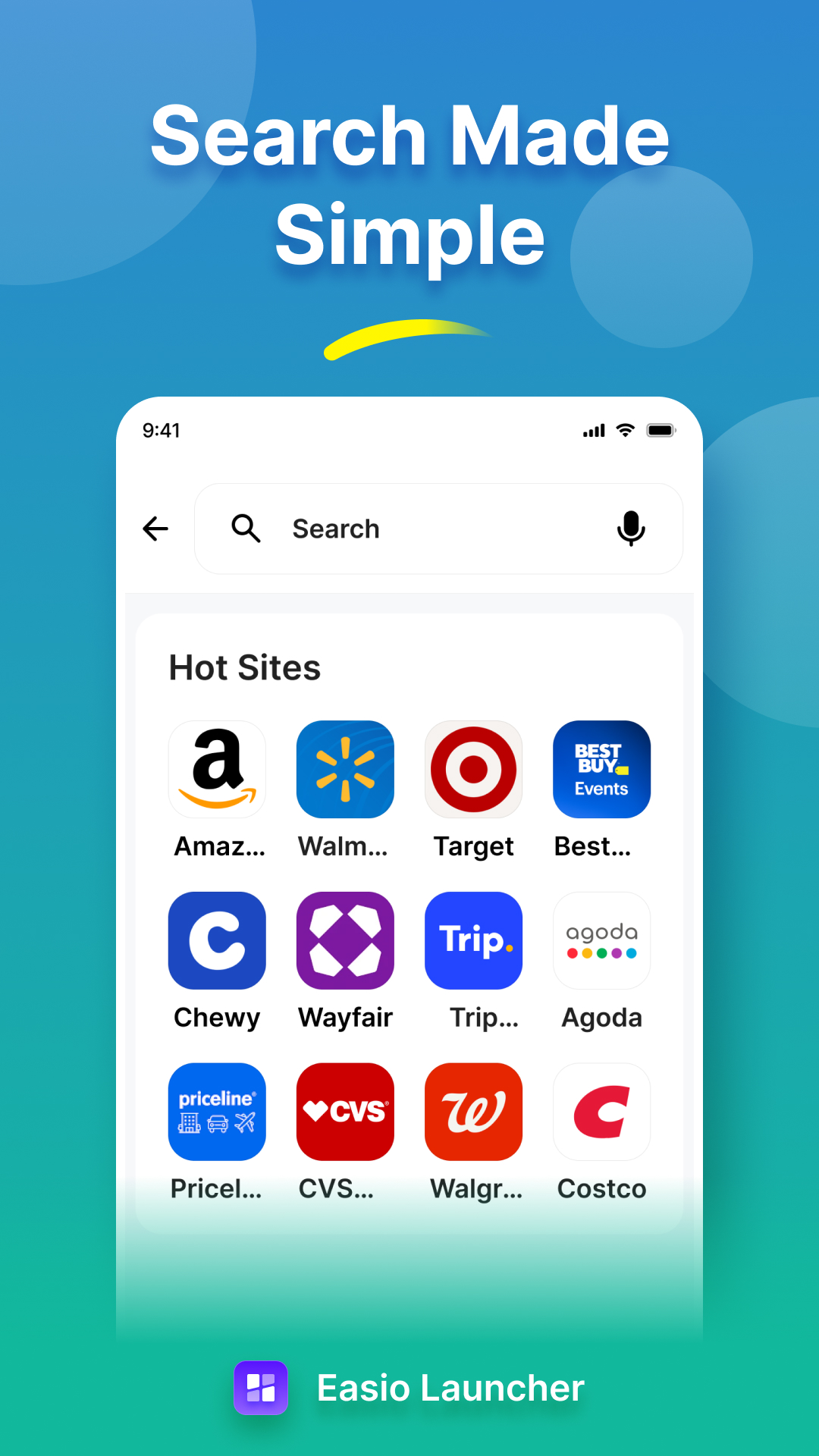
Find apps, websites and online information instantly — just type or say what you need.
A thoughtfully organized home screen that keeps the things you use every day right where you can reach them.
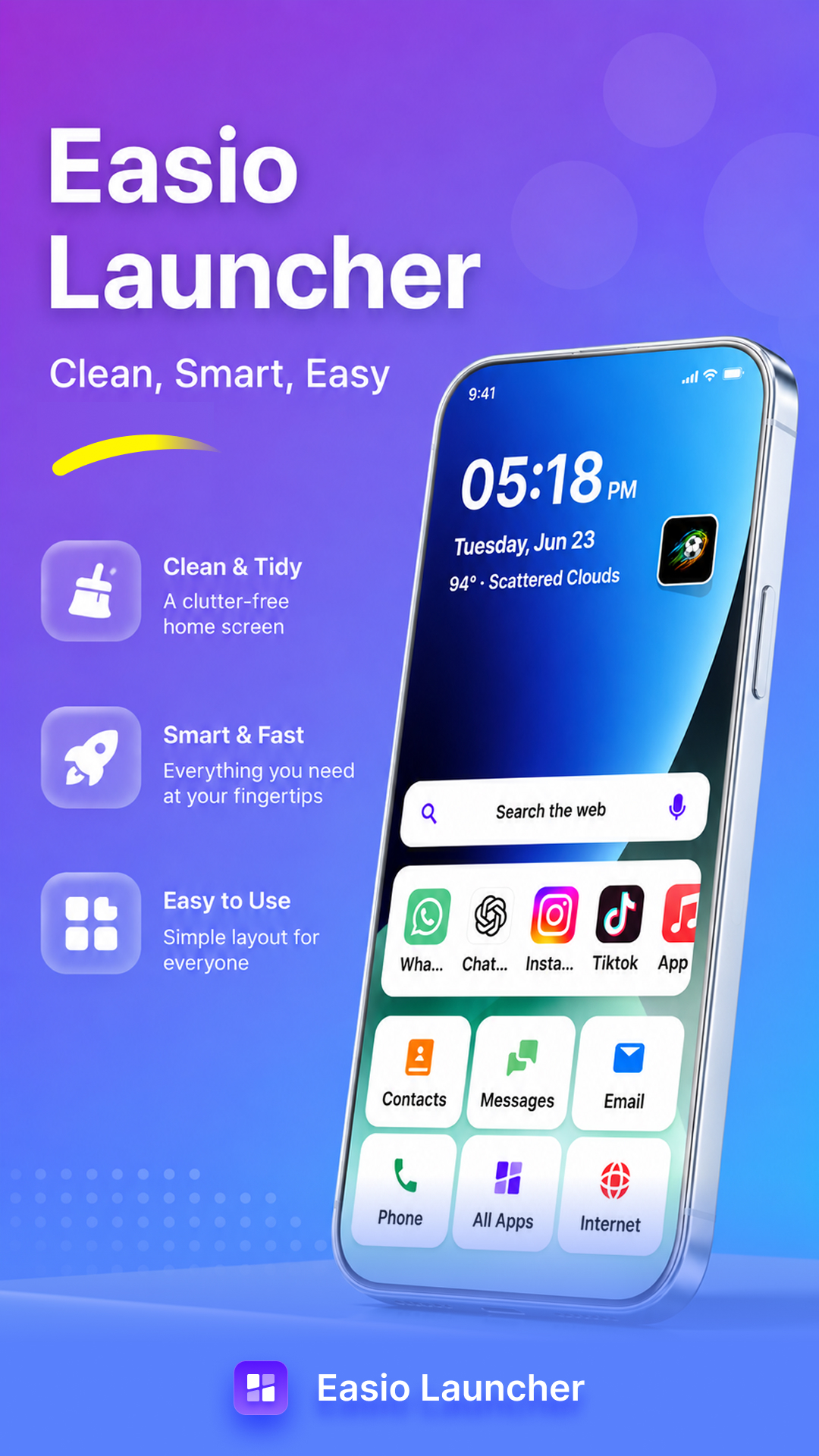
Clear, generously sized icons and an uncluttered layout make every screen simple to understand and navigate.
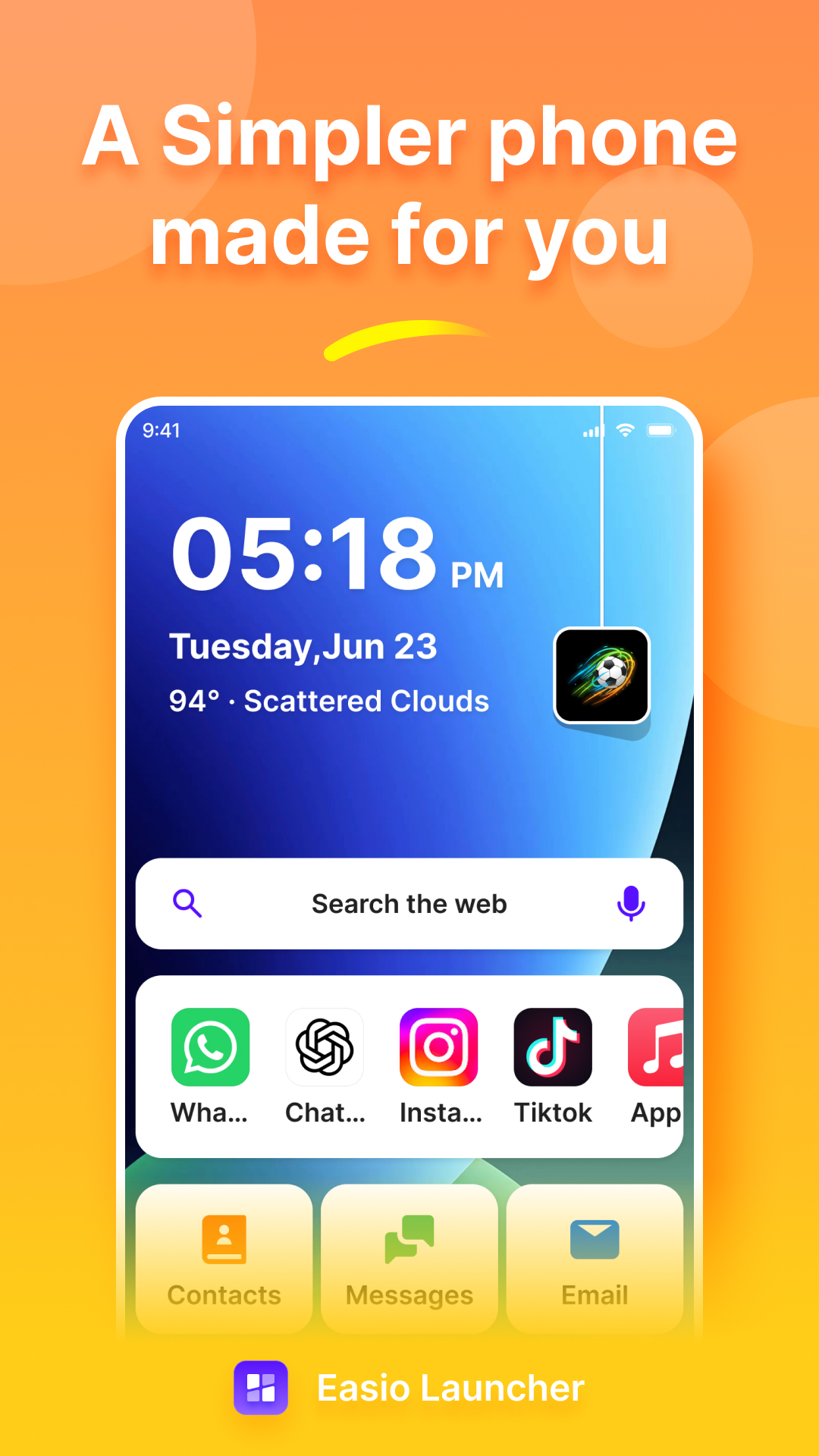
Phone · Messages · Camera · Gallery · Contacts · Email — the essentials, always one tap away on your home screen.
Search apps, websites and online information from one simple box. One tap and Easio takes you where you want to go.
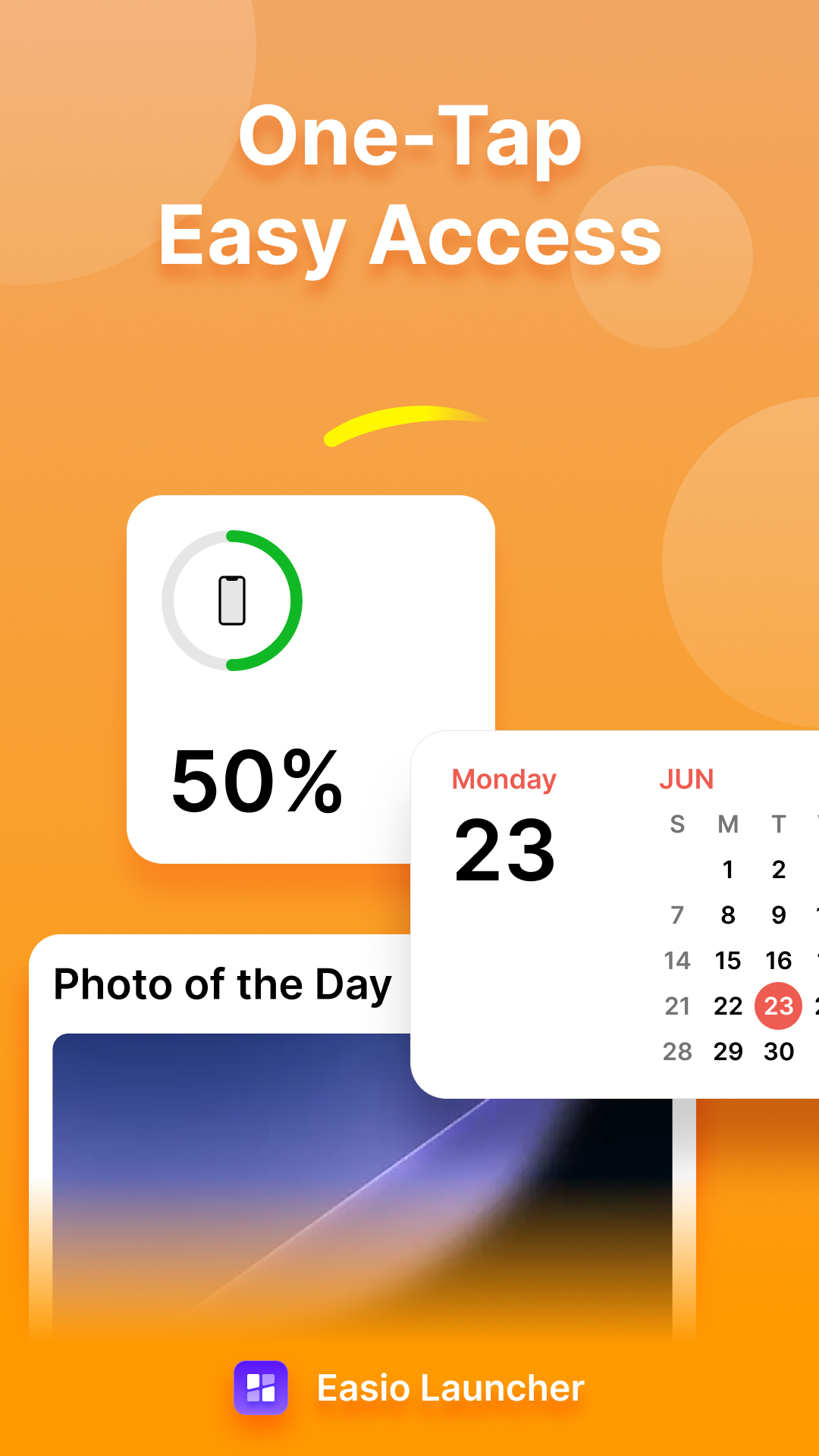
A tidy layout with only what matters. Put your favorites up front and keep the rest neatly in the app drawer.
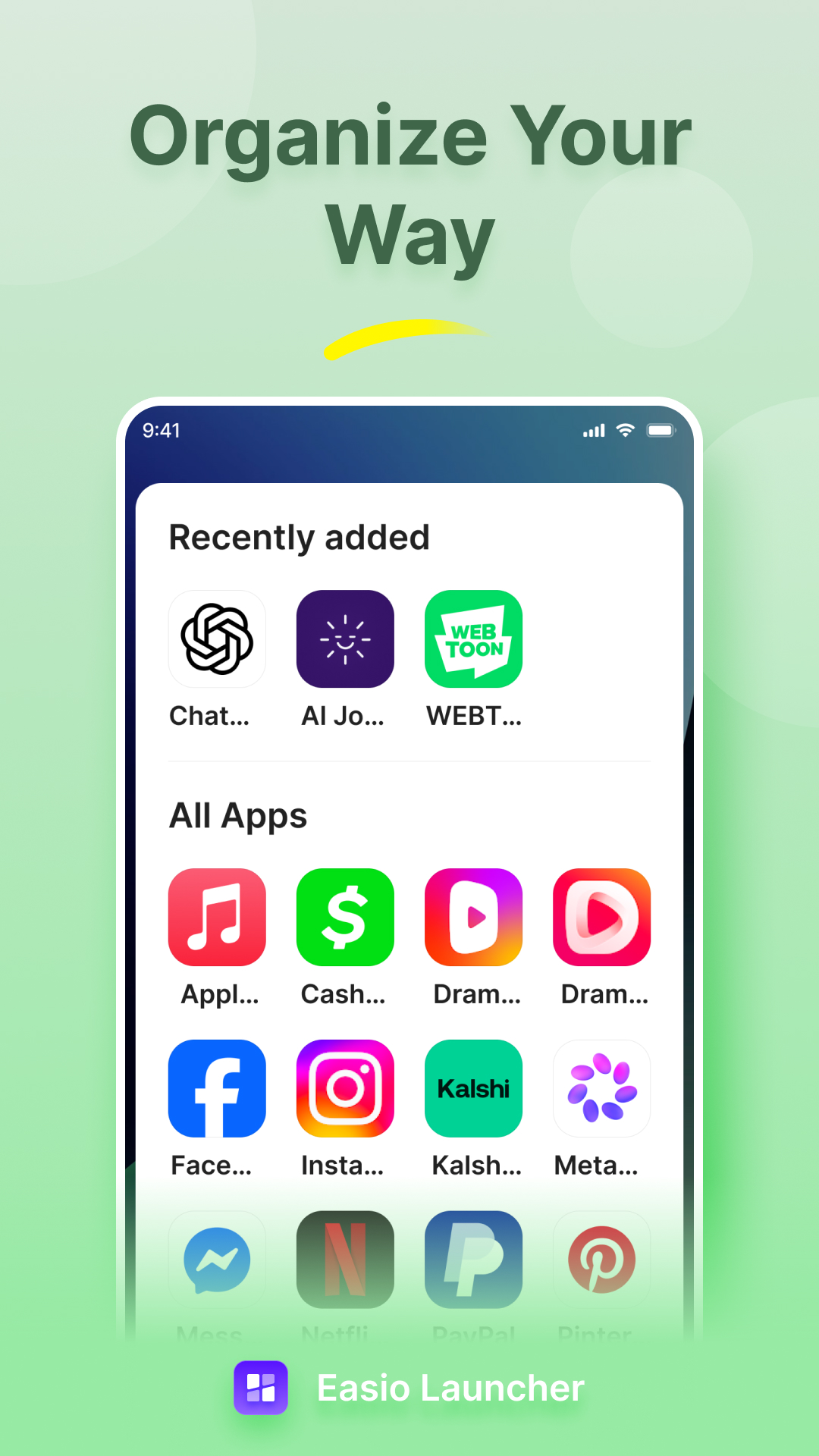
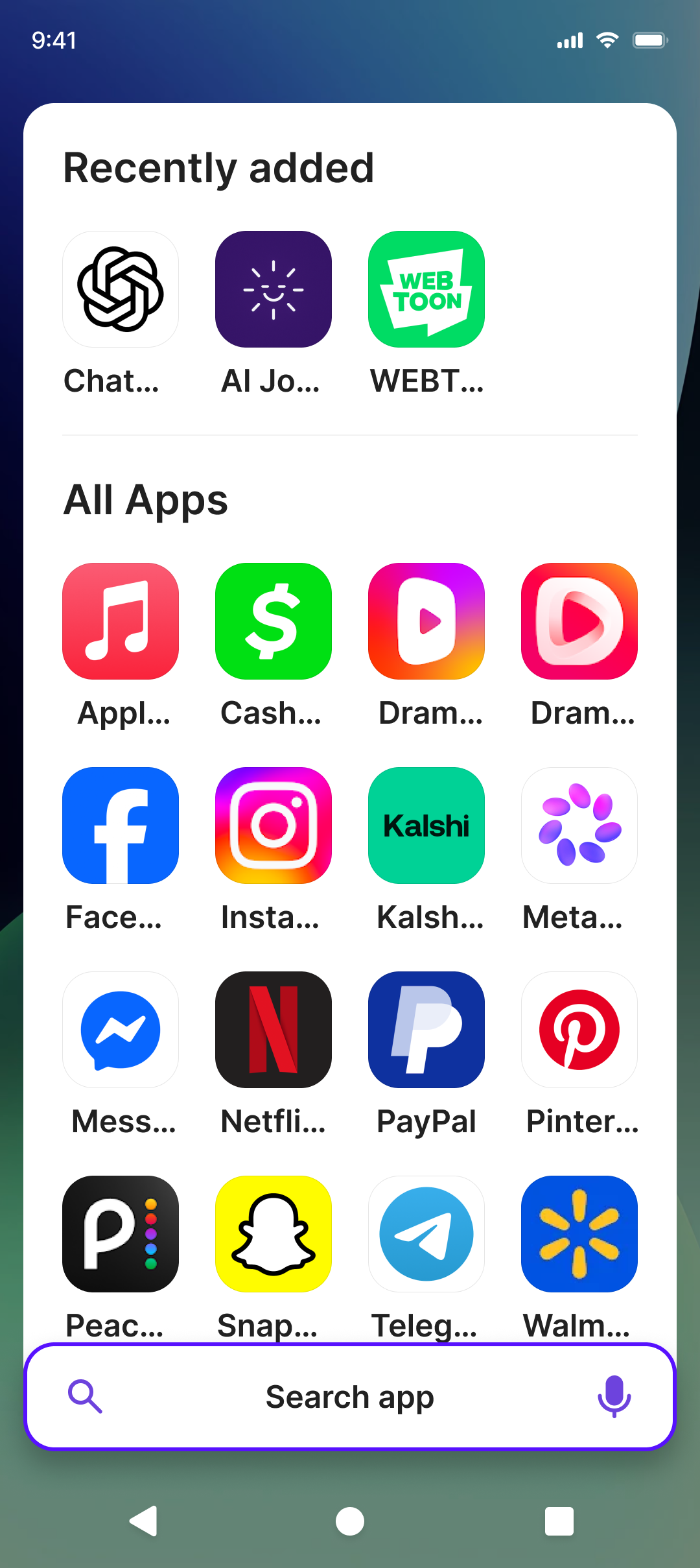
Recently added apps appear first, and the full app list is always one swipe away. No digging through menus.
Built for everyday use with a calm, modern look — familiar, friendly and pleasant to use all day long.
Easio is designed with both generations in mind — simple enough for anyone to use, and easy for a family member to set up and support.
A calm, predictable home screen with no clutter, no confusion and nothing that gets in the way.
Set it up once and stop getting calls about the phone. Easio keeps the essentials simple and dependable.
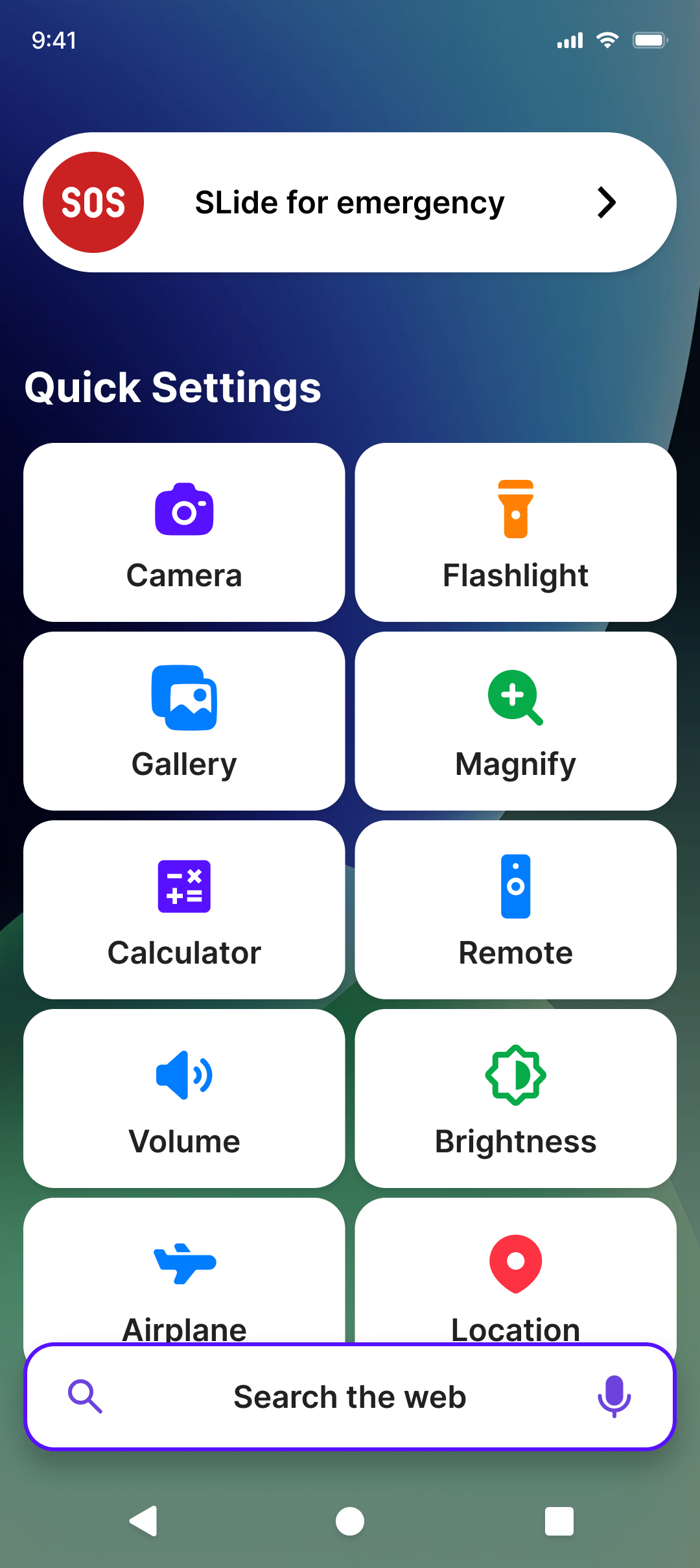
A clean home screen, a simple app drawer, a handy quick settings panel and a feed with more — all at your fingertips.
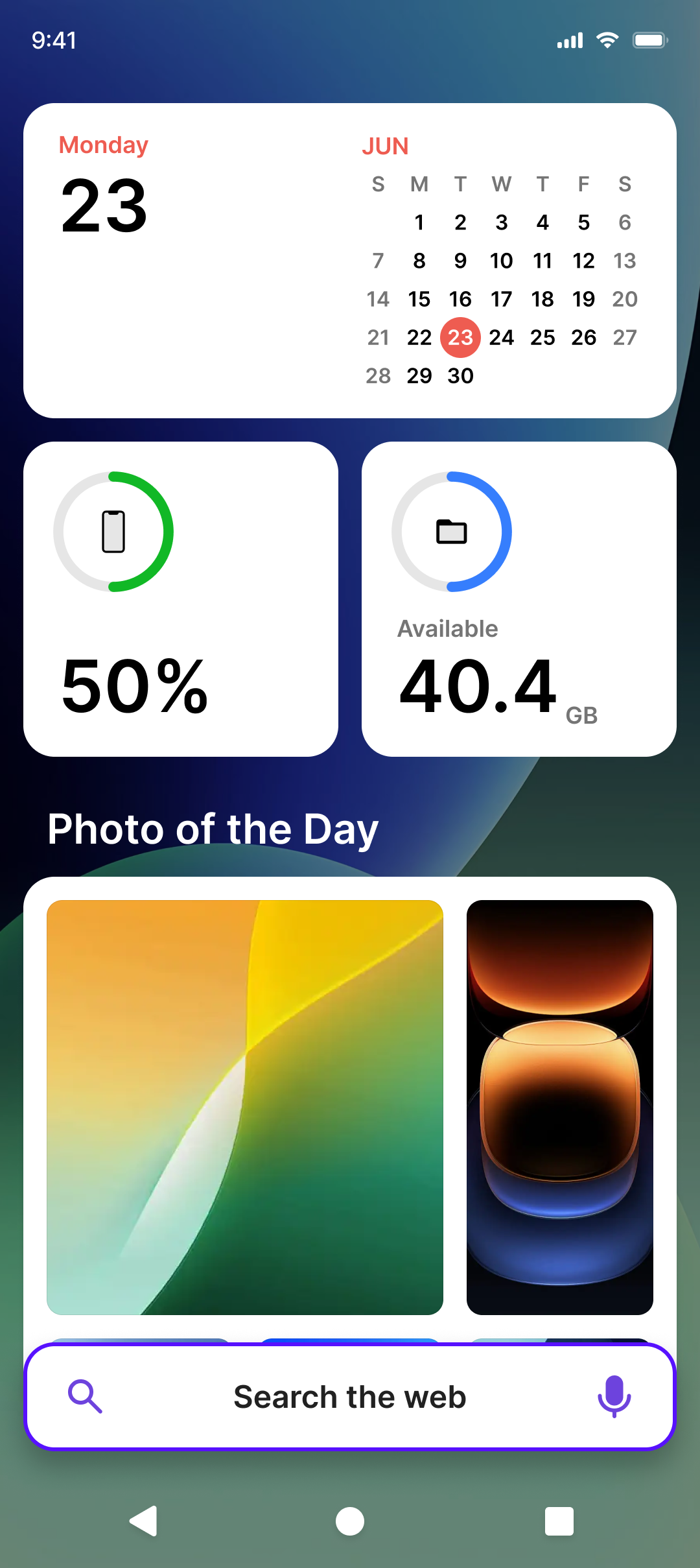
Pin the shopping apps and sites you visit most to your home screen and get to them instantly — no searching, no scrolling.
We're building a smarter, more helpful home screen — and it keeps getting better.
Trust is the most important thing we build. Here's our simple promise.
Easio Launcher does not sell your personal information. Permissions are only used to provide launcher features — nothing more. No hidden trackers, no shady data sharing, no surprises.
Yes. Easio Launcher is free to download from Google Play. Just install it, tap "Set as home screen" and you're done.
No account, no sign-up, no personal information required. Install and start using it right away.
Yes. Easio does not sell your personal information. Permissions are used only to provide launcher features.
Anytime. Open your phone's settings and choose your previous home screen app — switching back is always easy.
Join thousands of people who traded the clutter for a home screen that feels calm, clear and completely easy to use.